

How to Withdraw From JJWin Game in Pakistan
Withdrawing your balance is one of the first things you’ll want to understand after using an online gaming platform. For Pakistani users, the process can be especially important because local payment services such as JazzCash and Easypaisa are commonly used for digital transactions.
In this guide, we’ll explain how to withdraw from JJWin Game in Pakistan, what information you may need, how to choose a payment method, and what to do if your withdrawal is delayed or rejected.
The exact withdrawal options, minimum amounts, processing times, and account requirements can change, so always check the withdrawal section in your current JJWin account before submitting a request.
What You Need Before Making a Withdrawal
Before requesting a withdrawal, make sure your account is ready. A few basic checks can save you from unnecessary delays.
You may need:
- An active JJWin account
- A verified mobile number
- Correct payment account details
- A sufficient eligible balance
- A supported withdrawal method
- Completion of any required account verification
- Compliance with the platform’s current withdrawal terms
It’s also a good idea to check whether any promotional balance has separate conditions. A bonus shown in your account isn’t necessarily the same as a balance that can immediately be withdrawn.
How to Withdraw From JJWin Game
The general withdrawal process is straightforward.
Step 1: Log In to Your Account
Open the JJWin application or the platform’s current official login page and sign in using your registered account details.
Make sure you’re using the correct account. If you have multiple accounts, don’t transfer money between them unless the platform explicitly allows it.
Step 2: Open the Wallet
After logging in, look for the Wallet, Balance, Withdraw, or similar option.
The exact wording can vary depending on the current app version.
Step 3: Select Withdraw
Tap the withdrawal option to open the available payment methods.
You may see different options depending on your account, region, and the payment services currently supported by the platform.
Step 4: Choose Your Payment Method
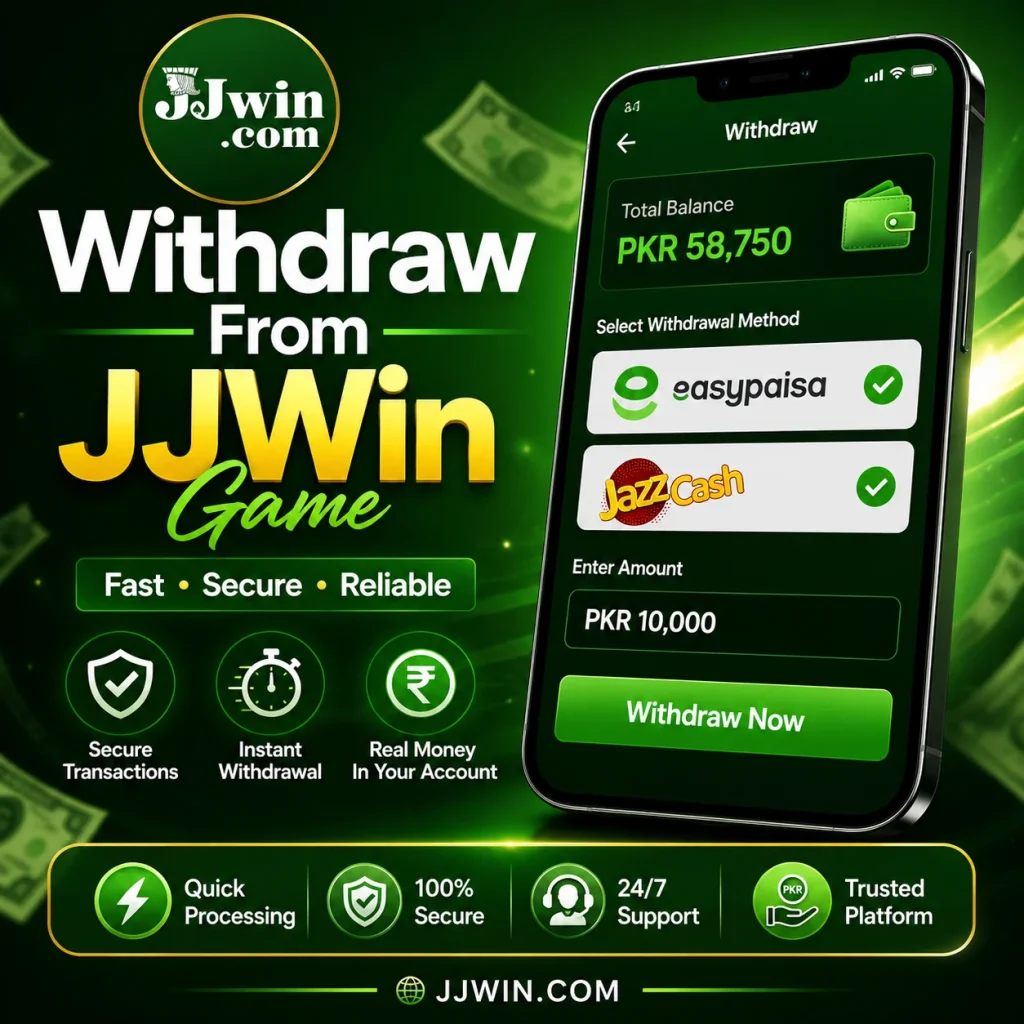
For Pakistani users, JazzCash or Easypaisa may be available if they are currently supported.
Select the method you want to use and carefully review the account information requested.
Step 5: Enter the Amount
Enter the amount you want to withdraw.
Before submitting, check whether the platform displays a minimum or maximum withdrawal limit. These limits can change, so don’t rely on figures from old blog posts or screenshots.
Step 6: Check Your Details
This is one of the most important steps.
Double-check your:
- Mobile number
- Account information
- Withdrawal amount
- Selected payment method
A simple typing mistake can cause a transaction to fail or become delayed.
Step 7: Submit the Request
Once everything looks correct, submit your withdrawal request.
You should see a confirmation or transaction status if the request has been successfully received.
Step 8: Keep the Transaction Record
If possible, save the transaction ID or take a screenshot of the withdrawal request.
This information can be useful if you later need to contact customer support.
JJWin Withdrawal Through JazzCash
JazzCash is a familiar digital payment service for many Pakistani users. If it appears as an available withdrawal option in your current JJWin account, you can generally select it during the withdrawal process.
The process may involve:
- Opening the wallet.
- Selecting Withdraw.
- Choosing JazzCash.
- Entering the requested mobile/account information.
- Entering the withdrawal amount.
- Reviewing the details.
- Submitting the request.
Make sure the JazzCash account information belongs to you and matches the requirements shown by the platform.
Don’t send your JazzCash PIN or OTP to anyone claiming to be a JJWin representative.
JJWin Withdrawal Through Easypaisa
Easypaisa can also be convenient for Pakistani users when it is available as a supported withdrawal option.
To use it:
- Log in to your account.
- Open the wallet section.
- Select Withdraw.
- Choose Easypaisa.
- Enter the required account details.
- Add your withdrawal amount.
- Review the information carefully.
- Submit the request.
- Keep your transaction reference.
If the money doesn’t arrive within the stated processing period, check the transaction status before submitting another request.
How Long Does a Withdrawal Take?
Withdrawal processing time can vary depending on several factors.
For example, delays may occur because of:
- Account verification
- Payment processing
- Incorrect account information
- Technical problems
- High transaction volume
- Platform-side review
- Payment service delays
Don’t assume that a submitted request will always be completed instantly.
The safest approach is to check the processing time displayed in your current account and wait until that period has passed before contacting support.
Why Is My Withdrawal Pending?
A pending withdrawal doesn’t necessarily mean that the money has been lost.
The request may still be under review or waiting for payment processing.
First, check your transaction history and confirm that the request was actually submitted.
Then check whether:
- Your account requires verification
- Your payment details are correct
- The withdrawal amount meets the current requirements
- There are outstanding promotional conditions
- The platform has announced a temporary payment issue
If everything looks correct and the stated processing time has passed, contact the platform’s official customer support.
What If My Withdrawal Is Rejected?
A rejected withdrawal can happen for several reasons.
Common possibilities include incorrect payment details, account verification issues, unsupported payment information, or failure to meet the current withdrawal requirements.
If your request is rejected:
- Check the reason shown in your account.
- Review your payment information.
- Check the current withdrawal requirements.
- Correct any missing information.
- Contact official support if the reason isn’t clear.
Avoid paying third parties who promise to “unlock” or “approve” a withdrawal.
What If the Money Doesn’t Arrive?
If your account shows the withdrawal as completed but the money hasn’t appeared in your JazzCash or Easypaisa account, don’t immediately submit another withdrawal.
Instead, collect the transaction information.
Keep:
- Withdrawal amount
- Transaction ID
- Date and time
- Selected payment method
- Screenshot of the withdrawal status
Then contact the official support channel and provide the relevant transaction details.
This gives the support team something concrete to investigate.
Withdrawal Limits and Requirements
Withdrawal limits aren’t necessarily permanent.
They can depend on the platform’s current rules, account status, payment method, and other factors.
Before submitting a request, check:
| Requirement | What to Check |
|---|---|
| Minimum withdrawal | Current minimum shown in your account |
| Maximum withdrawal | Current daily or transaction limit |
| Payment method | Supported options |
| Verification | Whether identity/account verification is required |
| Processing time | Current estimated timeframe |
| Bonus balance | Any applicable conditions |
| Account information | Correct mobile/payment details |
This is more reliable than following an old guide that lists fixed amounts.
Important Safety Tips
When dealing with withdrawals, account security matters just as much as the payment process.
Never Share Your OTP
Your OTP is private. Don’t share it with another person, even if they claim to be customer support.
Don’t Share Your PIN
Never provide your JazzCash or Easypaisa PIN to another person.
Avoid Unofficial Payment Numbers
If someone sends you a random mobile number through WhatsApp, Facebook, Telegram, or another social platform and asks you to send money there, verify it through the official platform first.
Keep Your Account Secure
Use a strong password and don’t reuse it on multiple websites.
Don’t Pay a “Withdrawal Release Fee” to Random People
Be especially careful if someone contacts you privately and says you need to send additional money to release your withdrawal. Verify such claims through the platform’s official support channel.
Common Withdrawal Mistakes to Avoid
A lot of payment problems are caused by simple mistakes.
Entering the Wrong Number
Always check your JazzCash or Easypaisa number before submitting the request.
Ignoring Withdrawal Conditions
Read the current terms before assuming that your entire displayed balance is immediately withdrawable.
Creating Multiple Accounts
Don’t create additional accounts simply because your first withdrawal is delayed. Multiple-account activity may create additional account issues depending on the platform’s rules.
Using Someone Else’s Payment Account
If the platform requires matching account information, using another person’s payment account may cause problems.
Repeatedly Submitting Requests
If one request is pending, submitting several more can make the situation harder to track.
Tips for a Smoother Withdrawal
A few simple habits can make the process easier.
Check your details twice.
Your mobile number and payment information should be accurate.
Understand the rules before depositing.
Don’t wait until you want to withdraw to discover a requirement you didn’t know about.
Save transaction references.
They can help when contacting support.
Use official support channels.
Don’t rely on random social media accounts.
Keep your expectations realistic.
Real-money gaming involves financial risk, and withdrawals aren’t a guarantee of profit.
FAQs
Can I withdraw through JazzCash?
JazzCash may be available depending on the current payment options supported by the platform. Check your withdrawal section for the latest available methods.
How can I withdraw from JJWin App in Pakistan?
Log in to your account, open the wallet or withdrawal section, choose an available payment method, enter the required amount and payment details, then submit the request.
Can I use Easypaisa for withdrawal?
Easypaisa may be available where supported by the current platform version. Check the payment section before submitting your request.
Why is my withdrawal pending?
A withdrawal can remain pending because of verification, payment processing, incorrect information, technical issues, or other platform requirements. Check the transaction status and current processing timeframe.
What should I do if my withdrawal is rejected?
Check the rejection reason, verify your account and payment details, and review the current withdrawal requirements. If you still can’t identify the problem, contact official support.
Is there a guaranteed withdrawal time?
No fixed processing time should be assumed unless it is currently stated by the platform. Processing can vary depending on the payment method and account status.
Final Thoughts
The JJWin Game withdrawal process in Pakistan can be relatively simple when your account is properly set up and your payment information is correct. JazzCash and Easypaisa may provide convenient options when they are currently supported.
The most important thing is not to rush.
Check the current withdrawal requirements, verify your payment details, keep your transaction reference, and use official support if something goes wrong. Most importantly, never share your PIN, password, or OTP with anyone.
If you’re using a platform involving real-money gaming, remember that there is financial risk involved. Only use money you can afford to lose, and don’t treat gaming as a guaranteed way to earn income.